***
title: Service accounts
description: >-
Service accounts provide an identity for integration and automation tools to
access the Unleash API with specific permissions.
keywords: 'service accounts, api access, automation, integration, tokens, authentication'
'og:site\_name': Unleash Documentation
'og:title': Service Accounts for API Access and Automation
max-toc-depth: 3
----------------
Service accounts provide an identity for integration and automation tools to access the Unleash API. You can assign a role to a service account, granting it a specific set of permissions. Service accounts authenticate using tokens. They do not have a password and cannot access the Unleash Admin UI.
## Create a service account
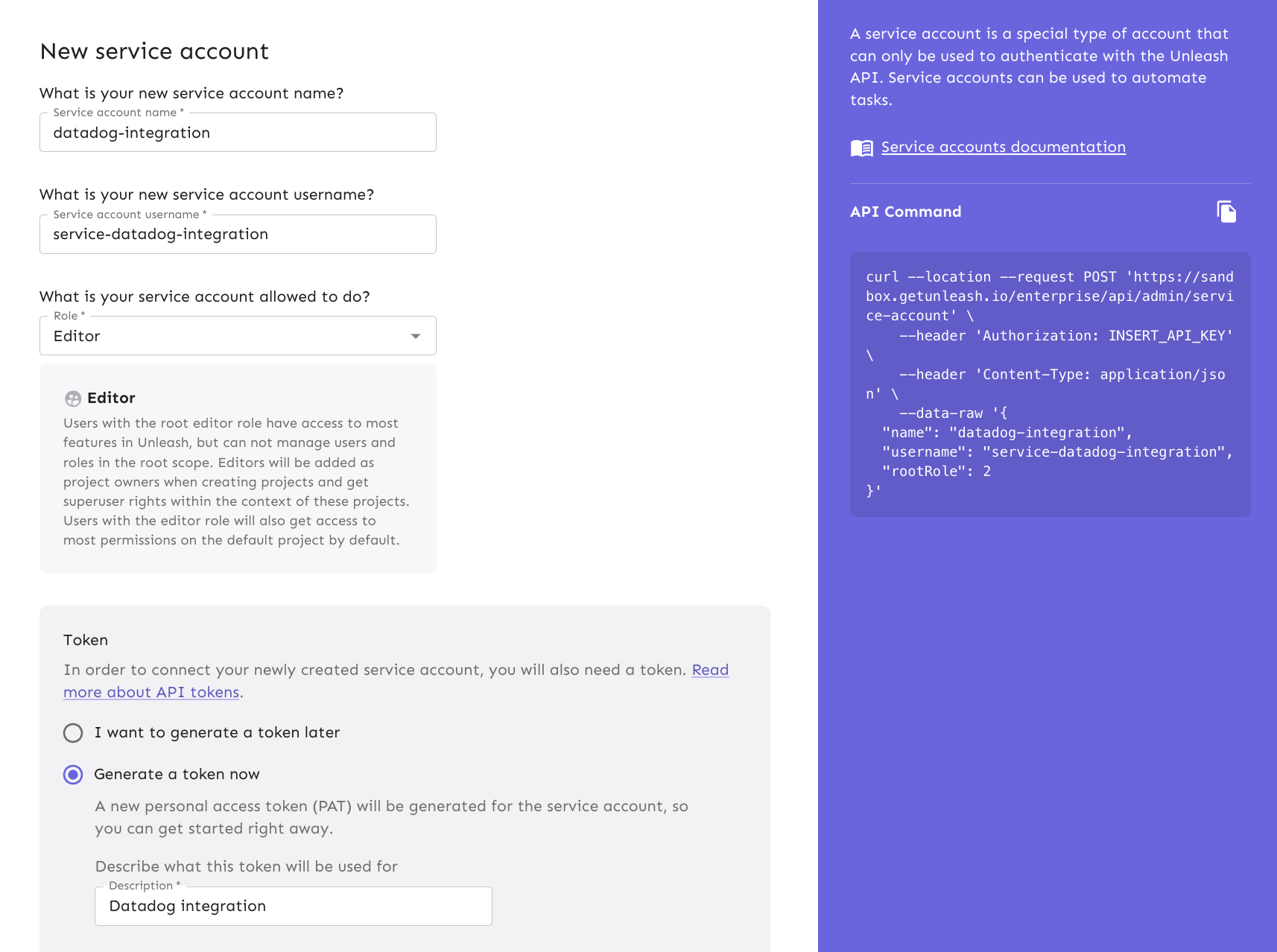
To create service accounts in the Unleash Admin UI:
1. Go to **Admin settings > Service accounts.**
2. Enter a name and username for the service account and select a root role.
3. Optionally, create and assign a service account token. You can also generate one later.
4. Click **Save service account**.
When a service account creates or modifies resources, Unleash uses the username of the account as the value for the *Created by* or *Changed* by properties of [events](/concepts/events).